

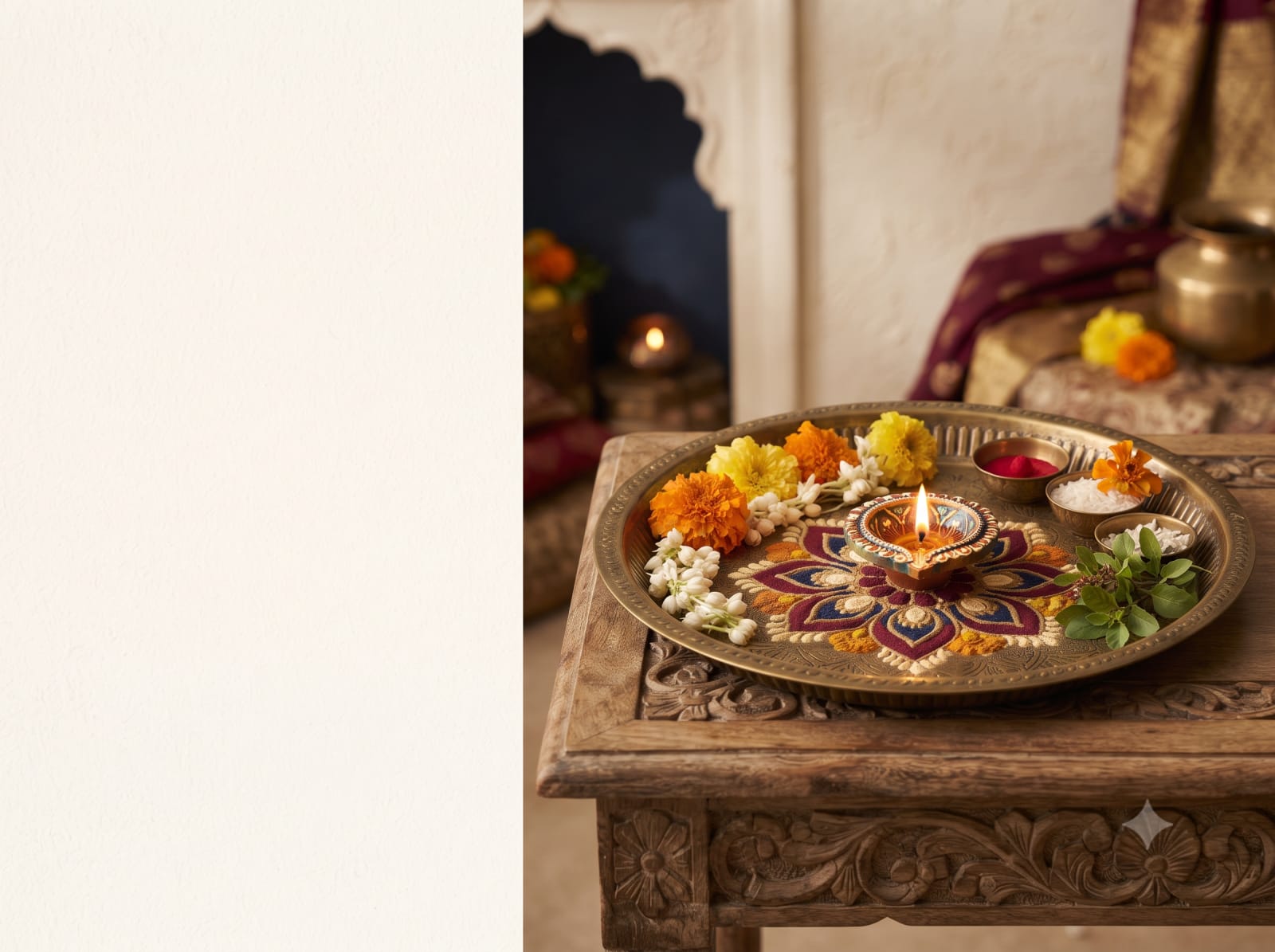
Karva Chauth thali rangoli border
Draw a small rangoli around the thali on a separate paper mat, keeping colours away from offerings.
Checking pack availability…
Materials & tools
- 1 sheet of thick paper larger than the thali
- Pencil and washable coloured pens
- Thali to trace around
- Small round bowl for a template
- Battery light, optional
Step-by-step instructions
- Place the thali on the paper and lightly trace its outline. Remove it and leave the centre undecorated.
- Mark eight evenly spaced points outside the circle; use a small bowl to draw repeated petal curves between them.
- Add a second row of dots or leaves outside the petals, keeping the overall border symmetrical.
- Colour the petals with two or three washable pen colours and let the ink dry.
- Set the clean thali inside the outline so it covers the blank centre. Keep food and offerings on their own suitable plate or bowls.
- Use a battery light beside the display. Keep paper away from lit diyas and leave room to carry the thali safely.
Good to know
Can I use materials I already have?
Yes. Use the material list as your checklist. Check dimensions and suitability for the project before substituting supplies.
What should I check before making this?
Read all the instructions and prepare your workspace. Follow product instructions for tools, adhesives and lights; supervise children where tools or small parts are involved.
Can I follow this guide without buying the pack?
Yes. The guide is available independently of the shopping pack. Pack availability and delivery are confirmed separately when products are available.
Delivery
Choose your delivery date and time at checkout.
Customer reviews
Reviews for this pack will appear when its products are available.
Choose your pack
Ingredients or materials, together in one place.
Make it yours
Remove what you have. Adjust quantities.
Pick your delivery
Choose a date and time at checkout.